

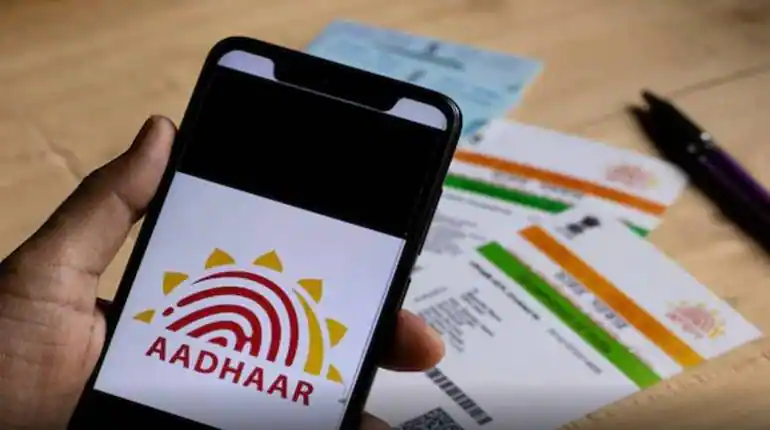
Aadhar Update: You want to change your mobile number in Aadhaar card? know the easy way step by step
How to Update Mobile Number in Aadhaar:
In today’s digital age, the Aadhaar card is required for almost all essential services. Whether it’s opening a bank account, applying for a ration card, or availing benefits of government schemes, Aadhaar is mandatory. Therefore, if you’ve changed your mobile number, it’s crucial to update it in your Aadhaar. Here’s how you can do it.
Why is it necessary to update mobile number?
In most of the online services related to Aadhar, identity verification is done through OTP i.e. One-Time Password. This OTP comes only on the mobile number which is linked to your Aadhar card. If the number is old or closed, then you will not be able to use these services. The government has also advised to update the information of Aadhar card every 10 years, especially the mobile number.
Can the mobile number be updated online?
No. Mobile number cannot be updated online in Aadhaar as it requires biometric verification. For this, you will have to visit the nearest Aadhaar Seva Kendra. However, you can book an appointment online in advance so that you do not have to wait long at the center.
How to book an appointment online
Visit the UIDAI website (https://uidai.gov.in).
Go to the menu above: My Aadhaar > Get Aadhaar > Book an Appointment
Enter your city/location and click on Proceed to Book Appointment.
Enter your existing mobile number and captcha code, then click on Generate OTP.
Enter the OTP received on mobile and Verify OTP.
Fill in your details: Aadhaar number, full name, date of birth, type of application, state, city and select the nearest Aadhaar center.
Now select the Update Mobile Number option.
Choose a convenient date and time when you can visit the center.
Check the details and finalize the appointment by clicking on Submit.
What to do at the Aadhaar centre?
Go to the chosen centre at the scheduled time.
Your new number will be updated there after biometric verification (fingerprint).
You will have to pay a fee of Rs 50.
You will get a receipt on which URN (Update Request Number) will be written. With this you can check the status of the update online.
Things to keep in mind
Enter the number which you currently have.
After the update, the new information will be entered in the Aadhaar database and OTP will come on the same number. So if you have recently changed your mobile number, then get it updated in Aadhaar as soon as possible, so that you do not face any problem with any digital service.


Change mobile number
Update your phone number