

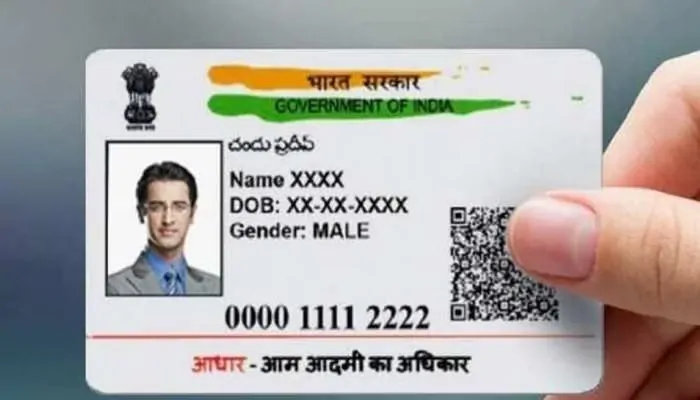
New Aadhaar App: Now you can change your mobile number on Aadhaar card from home, UIDAI is bringing a new feature soon
People previously had to visit designated centers to link or update the mobile number on their Aadhaar. However, the Unique Identification Authority of India (UIDAI) has introduced a new upgrade. The latest Aadhaar app will soon include a feature that allows users to update their mobile number using face authentication.
New Aadhaar App: The Aadhaar card has become more than just a document—it now serves as a vital identity proof for citizens across the country and is required for numerous government and private services. Linking a mobile number with Aadhaar has also become essential. Until now, users had to go to Aadhaar service centers to add or change their registered phone number, but UIDAI’s new update will change that. Soon, Aadhaar holders will be able to update the mobile number linked to their Aadhaar card with just one click through the newly introduced Aadhaar app.
UIDAI Shares Update
UIDAI announced on the social media platform X that the upcoming Aadhaar app will include a feature allowing users to update their mobile number through face authentication. According to UIDAI, people will no longer need to visit Aadhaar centers or wait in queues to change the phone number linked to their Aadhaar.
Launch of the New Aadhaar App
On November 9, 2025, UIDAI rolled out a new Aadhaar app for both Android and iPhone users. This updated app is designed to simplify the digital sharing of Aadhaar details. UIDAI aims to reduce the need for photocopying and sharing Aadhaar documents in physical form. With this new app, users won’t have to carry their Aadhaar card with them anymore.
Aadhaar App Process
- First, you need to download the new Aadhaar app to your phone.
- After this, you need to select your preferred language and enter your 12-digit Aadhaar number.
- You will then receive an SMS to your registered mobile number containing an OTP (one-time password).
- By entering this OTP, you will be able to log in to the Aadhaar app.
- You will then be redirected to face authentication.
- After verification, you will need to enter a 6-digit password.
- You will then be able to access the profile page of your new Aadhaar app.
- Here you will be able to access all the features of the new Aadhaar app, including masking your Aadhaar card, biometric lock, etc.

