

PAN card: Learn the step-by-step process to apply for a duplicate PAN card if your PAN card is stolen.
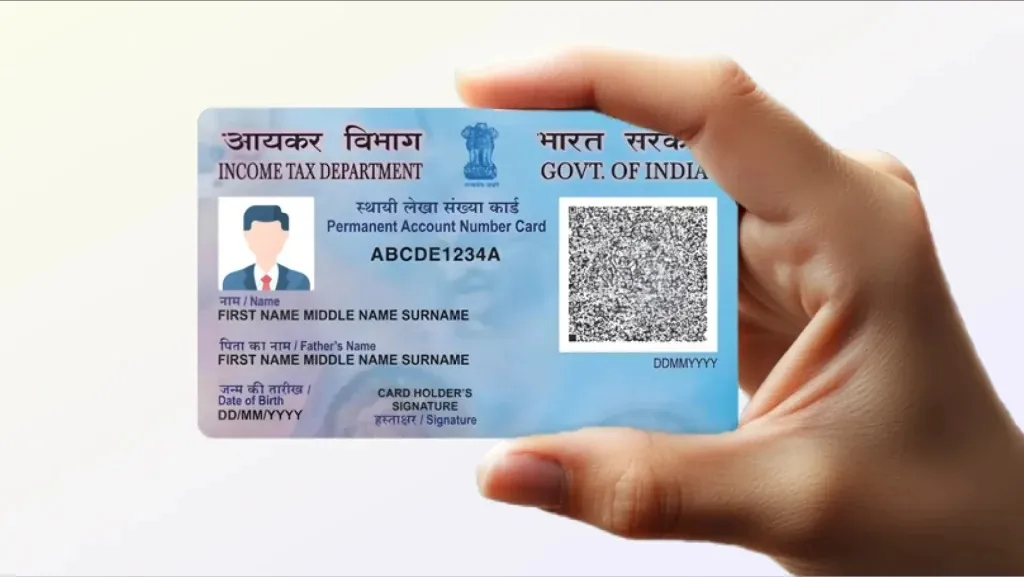
If your PAN card is lost, stolen, or damaged, you can request a duplicate PAN card. The Income Tax Department issues a reprinted PAN card with the same PAN number. You can apply for it either online or offline through the Protean (NSDL) or UTIITSL platforms.
When you apply online, you can instantly download your e-PAN in PDF format. A duplicate PAN card is simply a replacement card issued when the original is unavailable due to loss, theft, or damage.
How to apply for a duplicate PAN card online
Applying online is the most convenient option if your PAN card is misplaced.
Step 1: Visit the official Protean (NSDL) website.
Step 2: Under the “Tax Modernization” section, select the PAN services option.
Step 3: Click on “Apply Now.”
Step 4: Choose “Re-print of PAN Card” and provide your PAN number, Aadhaar number, date of birth, and GSTN (if applicable).
Step 5: Accept the declaration, complete the captcha, and submit the form.
Step 6: Make the required payment. After successful payment, a 15-digit acknowledgment number will be generated.
Step 7: Use this acknowledgment number to track the status of your application.
How to get a duplicate PAN card offline?
If you want to apply offline, follow the steps below:
Step 1: Download and print the ‘Request for New PAN Card or/and Changes or Correction in PAN Data’ form.
Step 2: Fill out the form using a black pen and block letters.
Step 3: Write down your 10-digit PAN number for reference.
Step 4: Individual applicants must attach two passport-sized photographs (sign the photo, face should not be covered).
Step 5: Sign in all required fields. Leave the boxes on the left blank as the information remains unchanged.
Step 6: Submit the form and documents to the NSDL center. After payment, you will receive a 15-digit acknowledgment number.
Step 7: The application will be sent to the Income Tax PAN Service Unit.
Step 8: Check the status using the acknowledgment number.
A duplicate PAN card is usually sent within 15–20 days of receiving the application.
In what situations is a duplicate PAN card required?
Loss/Theft: A PAN card can also be lost if your purse or bag is stolen.
Misplacement: Sometimes you forget where you left your card.
Damage: The PAN card gets torn, burned, or becomes unreadable.
Documents Required for a Duplicate PAN Card
Identity Proof: Aadhaar Card, Voter ID, Driving License, Passport, etc.
Address Proof: Aadhaar, Voter ID, Driving License, Passport, Electricity/Water Bill, etc.
Date of Birth Proof: Aadhaar, Passport, Marksheet, Birth Certificate, etc.
Proof of PAN: Photocopy of old PAN (if available)
Copy of FIR: (If the card was stolen)
How to download a duplicate PAN card (e-PAN)?
Step 1: Visit the TIN-NSDL website.
Step 2: Click on the ‘Download e-PAN / e-PAN XML’ option above.
Step 3: Select either Acknowledgement Number or PAN.
Step 4: Enter the required information and captcha and submit.
Step 5: Select email, mobile, or both to receive an OTP and click Generate OTP.
Step 6: Enter the OTP and validate.
Step 7: Click on Download PDF.
The e-PAN PDF is password protected. The password is usually your date of birth.
How to surrender a duplicate PAN card?
According to the law, a person must have only one PAN. If more than one PAN has been issued by mistake, it is mandatory to surrender the additional PAN.
Write a letter to your Assessing Officer.
Include your full name, date of birth, details of the PAN you want to retain, and details of the PAN you want to surrender.
Send the letter by speed post or submit it directly to the office.
The acknowledgment receipt received upon submission serves as proof that the duplicate PAN has been cancelled.

